
 COLLAGE EASY / GUIDE
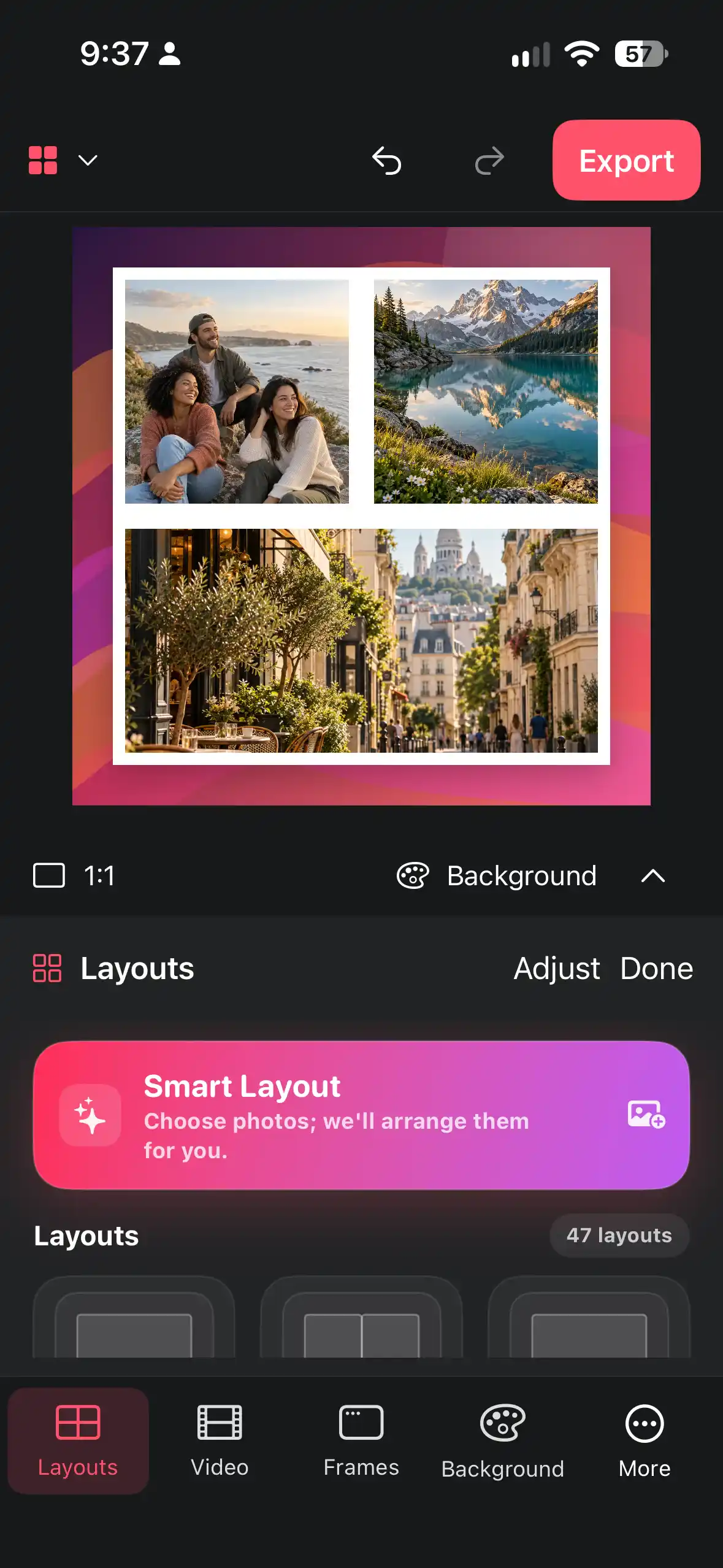
Build a balanced photo collage with crops, frames, and gaps
A practical workflow for turning a mixed set of photos into a clean collage while keeping faces, subjects, and visual rhythm under control.
Read the guide ↗Step-by-step help for photo collages, device mockups, video, backgrounds, AI credits, and sharing.
COLLAGE EASY / GUIDEA practical workflow for turning a mixed set of photos into a clean collage while keeping faces, subjects, and visual rhythm under control.
Read the guide ↗COLLAGE EASY / GUIDEUnderstand the five free AI actions, optional credits, Pro tools, and device-dependent AI availability before you create.
Read the guide ↗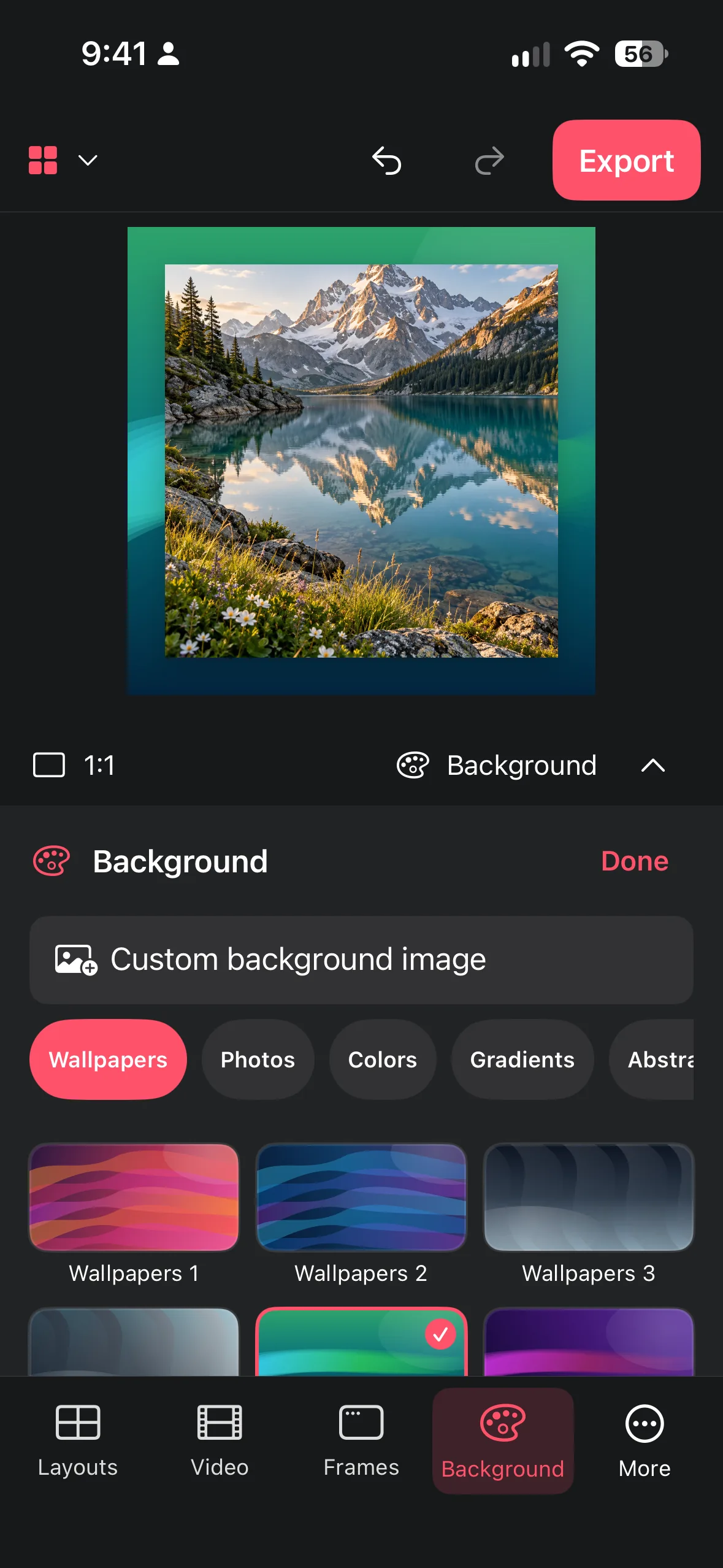 COLLAGE EASY / GUIDE
Choose patterns, nature scenes, or your own image without sacrificing contrast, focus, or readable edges.
Read the guide ↗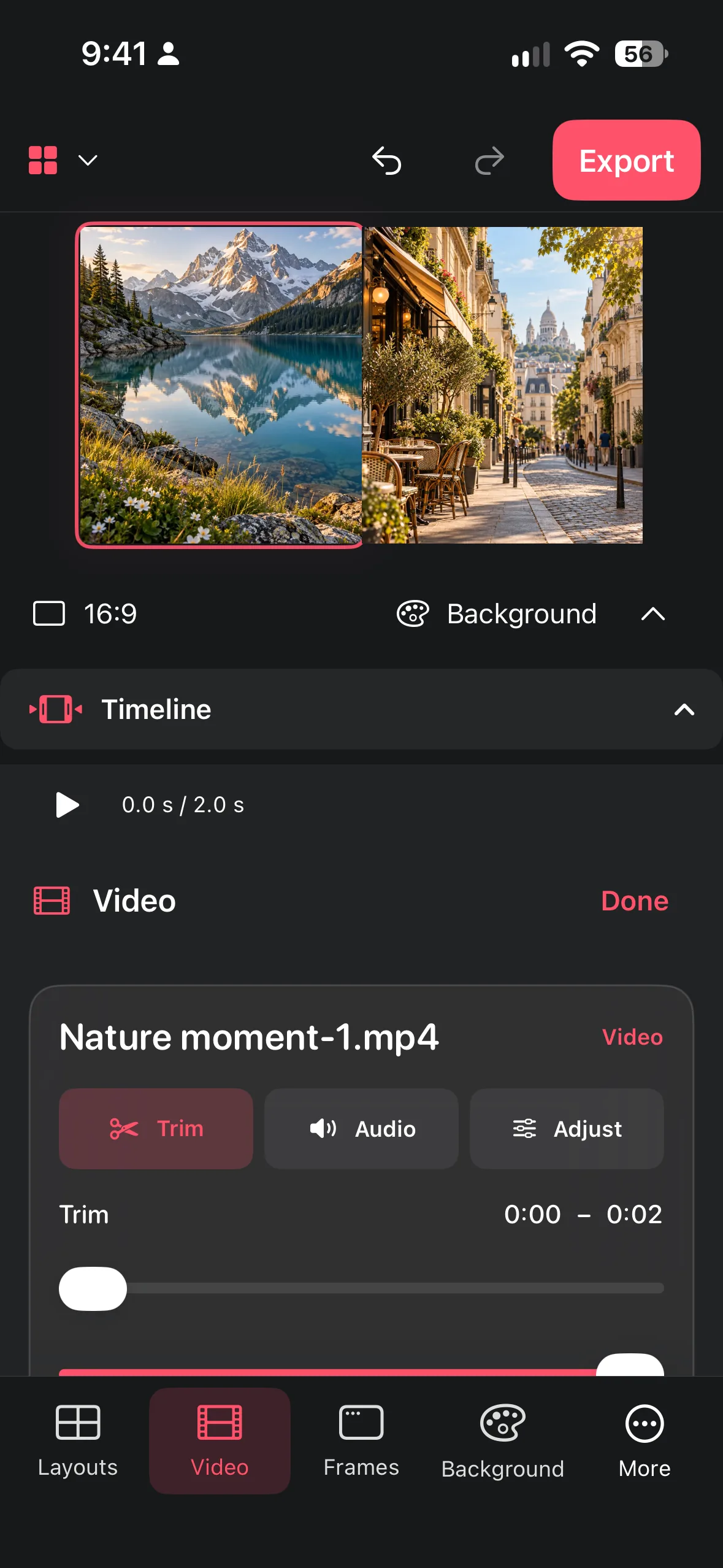 COLLAGE EASY / GUIDE
Combine short clips, trim their starts and ends, adjust speed and volume, and export a readable video collage.
Read the guide ↗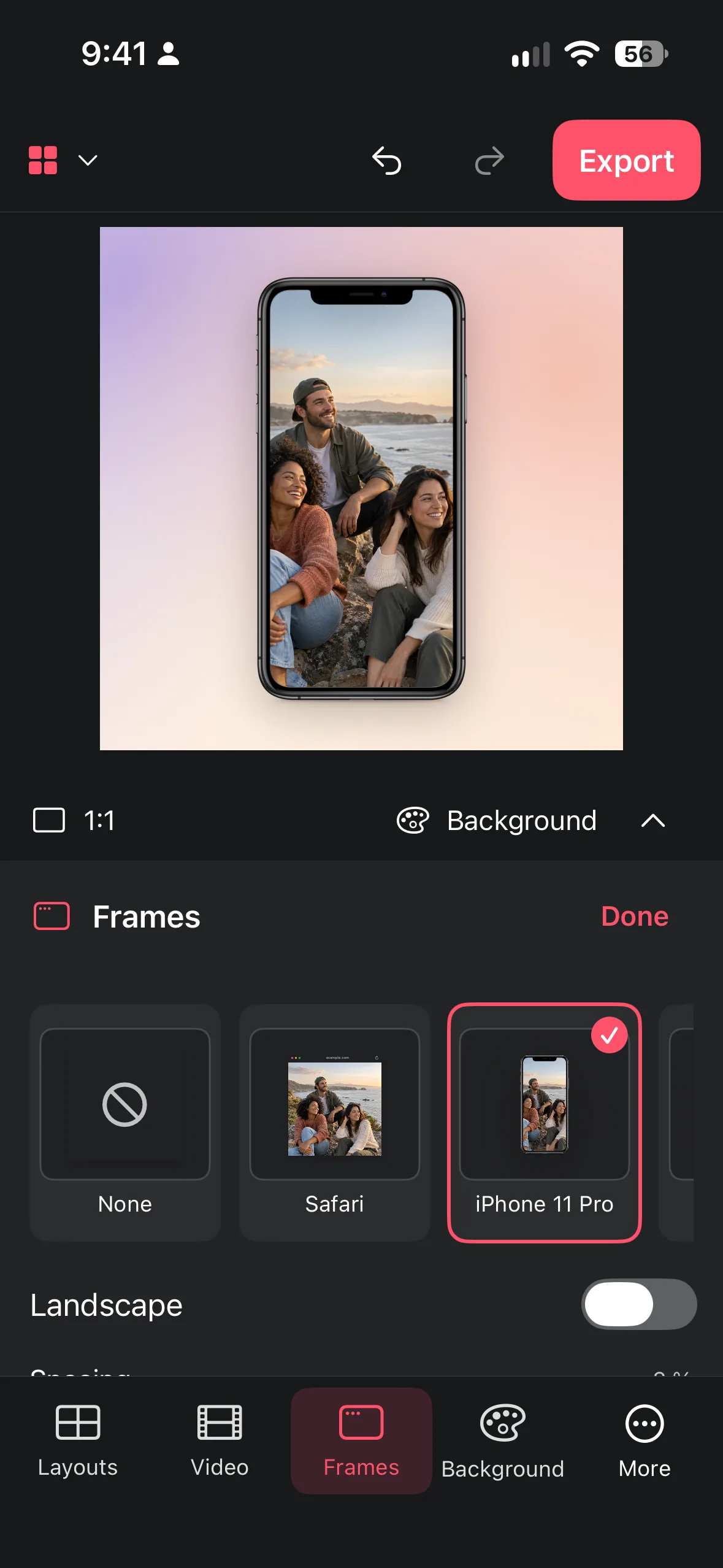 COLLAGE EASY / GUIDE
Turn a raw app or web screenshot into a clear presentation with decorative browser chrome, phone frames, tablet frames, and a controlled background.
Read the guide ↗COLLAGE EASY / GUIDEPlan square, portrait, or landscape work around its destination so the saved collage keeps its subject, spacing, and readability.
Read the guide ↗COLLAGE EASY / GUIDEPut a screenshot inside a clean iPhone frame: import it, pick the frame, choose a background and export. Works on iPhone, iPad and Mac with Collage Easy.
Read the guide ↗COLLAGE EASY / GUIDEMake a vertical 9:16 video collage at 1080 × 1920: pick clips, choose a layout, trim, set speed and volume, keep text in the safe area and export an MP4.
Read the guide ↗COLLAGE EASY / GUIDEThe right collage size for each platform: Instagram post 1080 × 1350, Stories and Reels 1080 × 1920, Pinterest 1000 × 1500, plus print sizes. Checked Oct 2026.
Read the guide ↗