
Create photo and video collages that fit your idea. Arrange images freely or use Smart Layout, then fine-tune cropping, spacing and frames. Choose patterns, nature scenes or your own images as backgrounds. Present your work in Safari, iPhone, iPad and other device mockups for polished screenshots and presentations. Trim videos, change speed and volume, mute the audio and export to MP4. Optional AI tools can erase or replace objects and backgrounds, extend image edges, and create stickers or images. Use Pro or credits for AI features when you need them. Add text and stickers to give every collage your own finish.
Photo collages
Choose your photos, start with Smart Layout or a grid, then adjust each crop, white frame and gap on the canvas.
How to make a photo collage →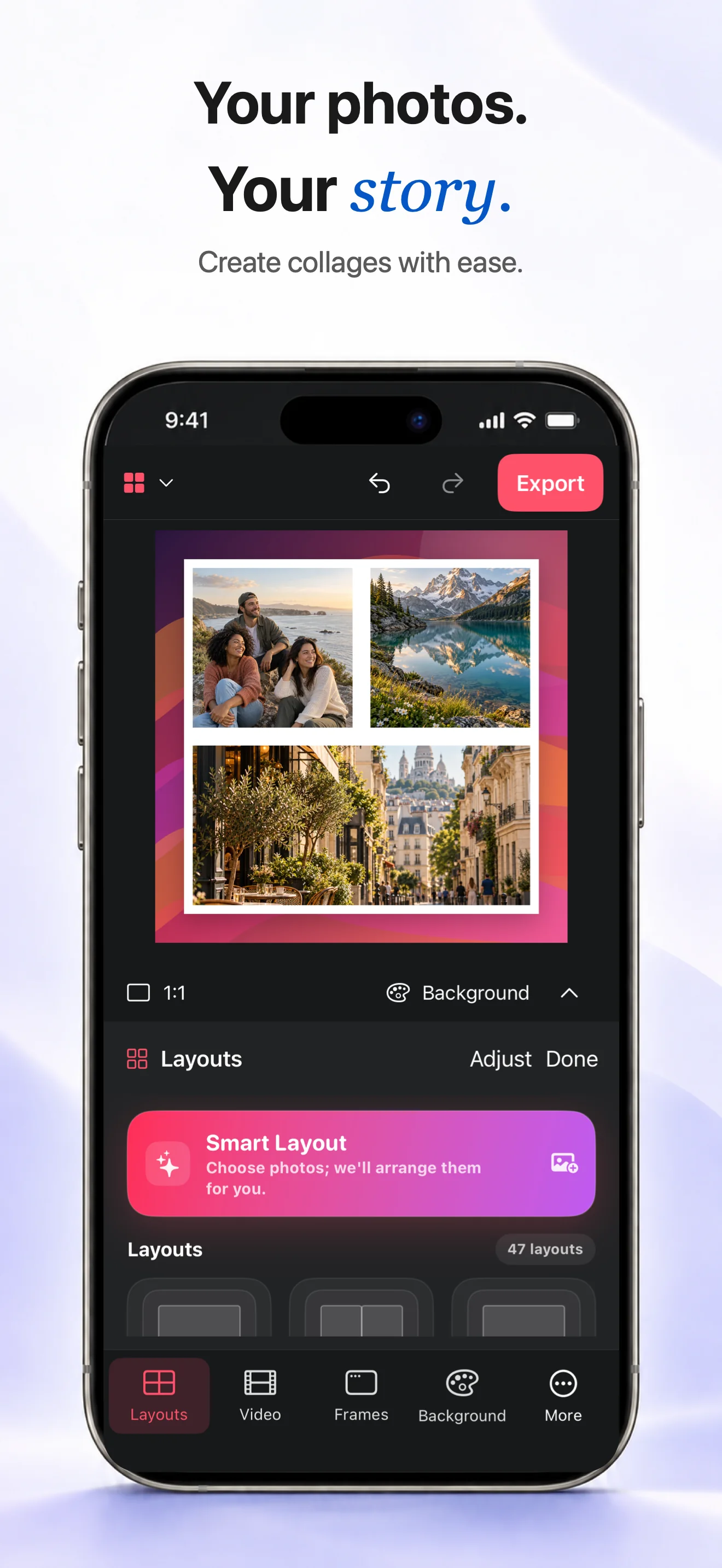
Device mockups
Choose a background or your own image, then place a screenshot inside a Safari, iPhone or iPad frame.
How to make a screenshot mockup →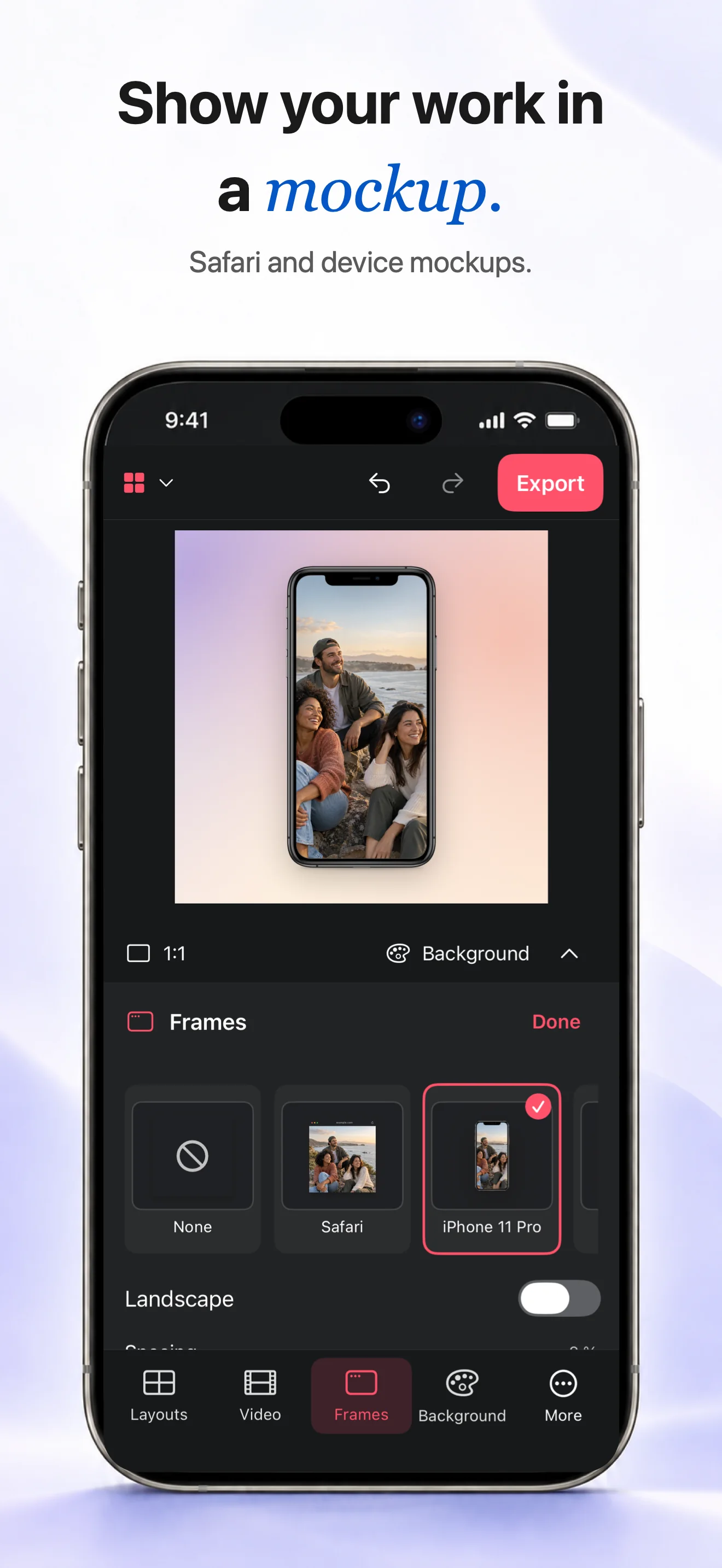
Video collages
Add clips to a video collage, trim their start and end, adjust speed or volume, mute if needed and export an MP4.
How to make a video collage →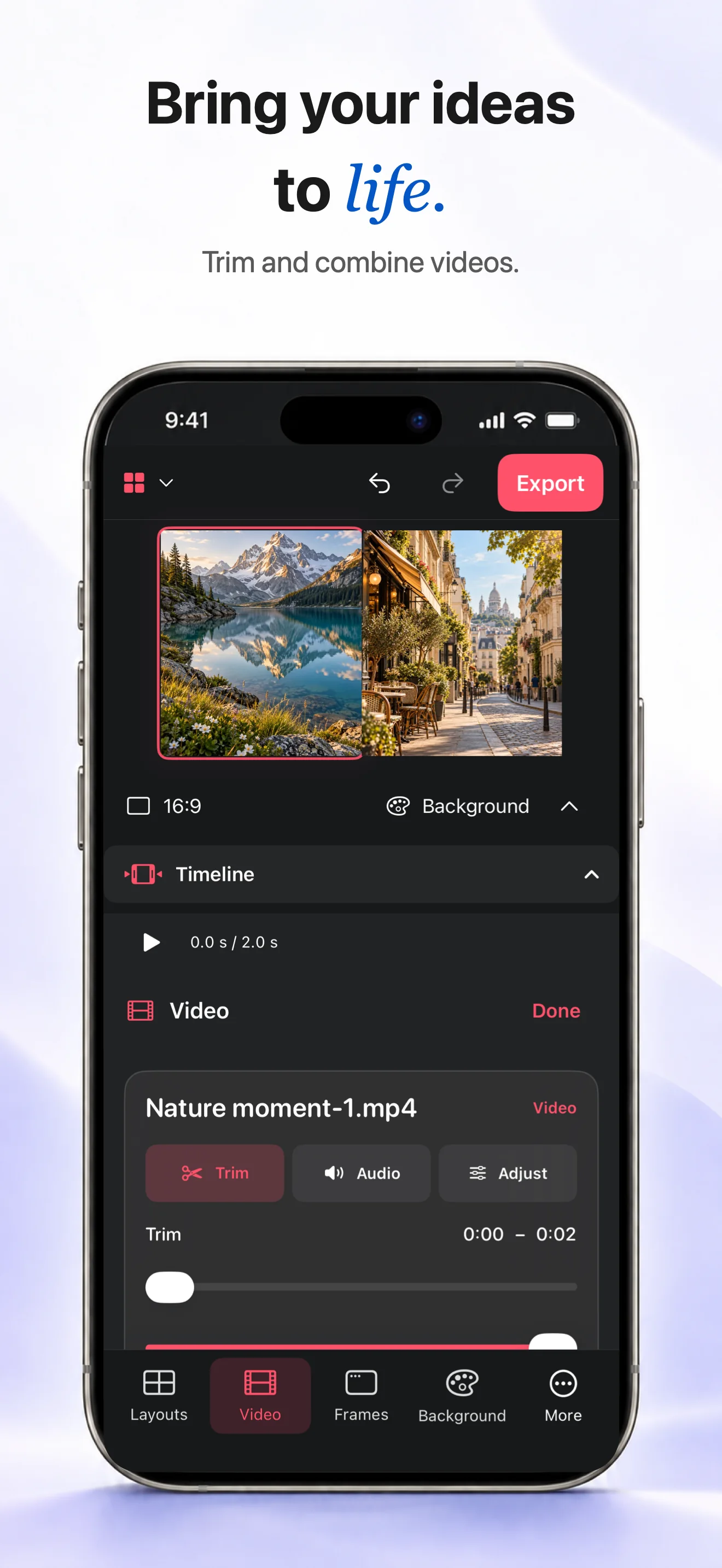
Backgrounds · AI stickers & images
Create photo and video collages with flexible layouts, custom images, backgrounds and device mockups.
