
A screenshot becomes easier to understand when it has a little context. A device frame gives it shape, while a quiet background keeps attention on the interface.

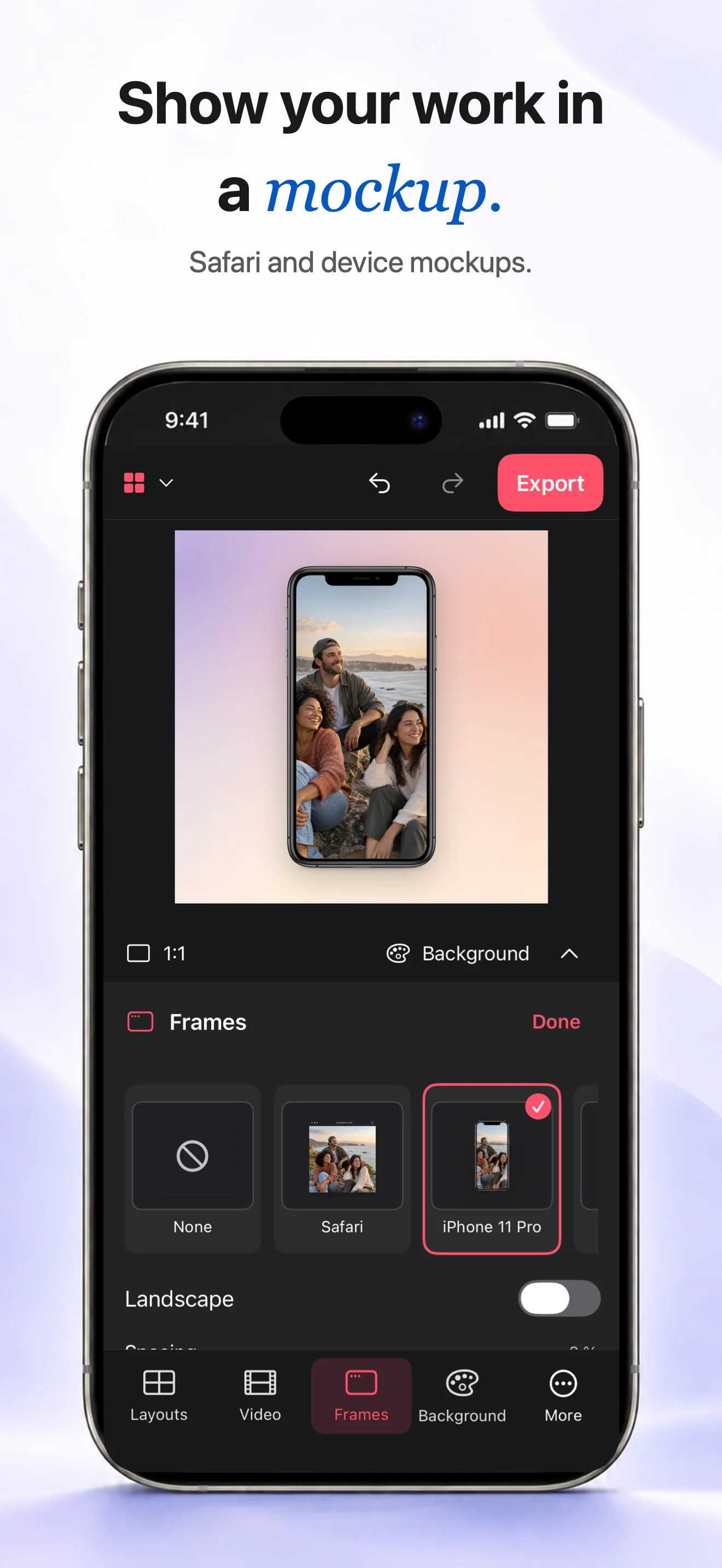
Import the screenshot
Choose the screenshot from your library and select a frame that matches the story: Safari for a webpage, or iPhone, iPad for a device view.
Choose the setting
Pick a background from the available options or use your own image. Nature, a desk or a simple color can add context without competing with the screen.
Keep the interface clear
Check the full frame before exporting. Leave the screenshot readable and avoid placing important controls too close to the edge of the mockup.
Can I use a screenshot from any app?
Yes. Import an image from your library and place it in the frame that best fits the device or page.
Does the frame crop my interface?
The frame is designed to present the screenshot. Check the preview and adjust the image if an important edge needs more space.