
A good collage starts with a small, clear set of photos. Collage Easy keeps the process simple while leaving room to make the final frame your own.

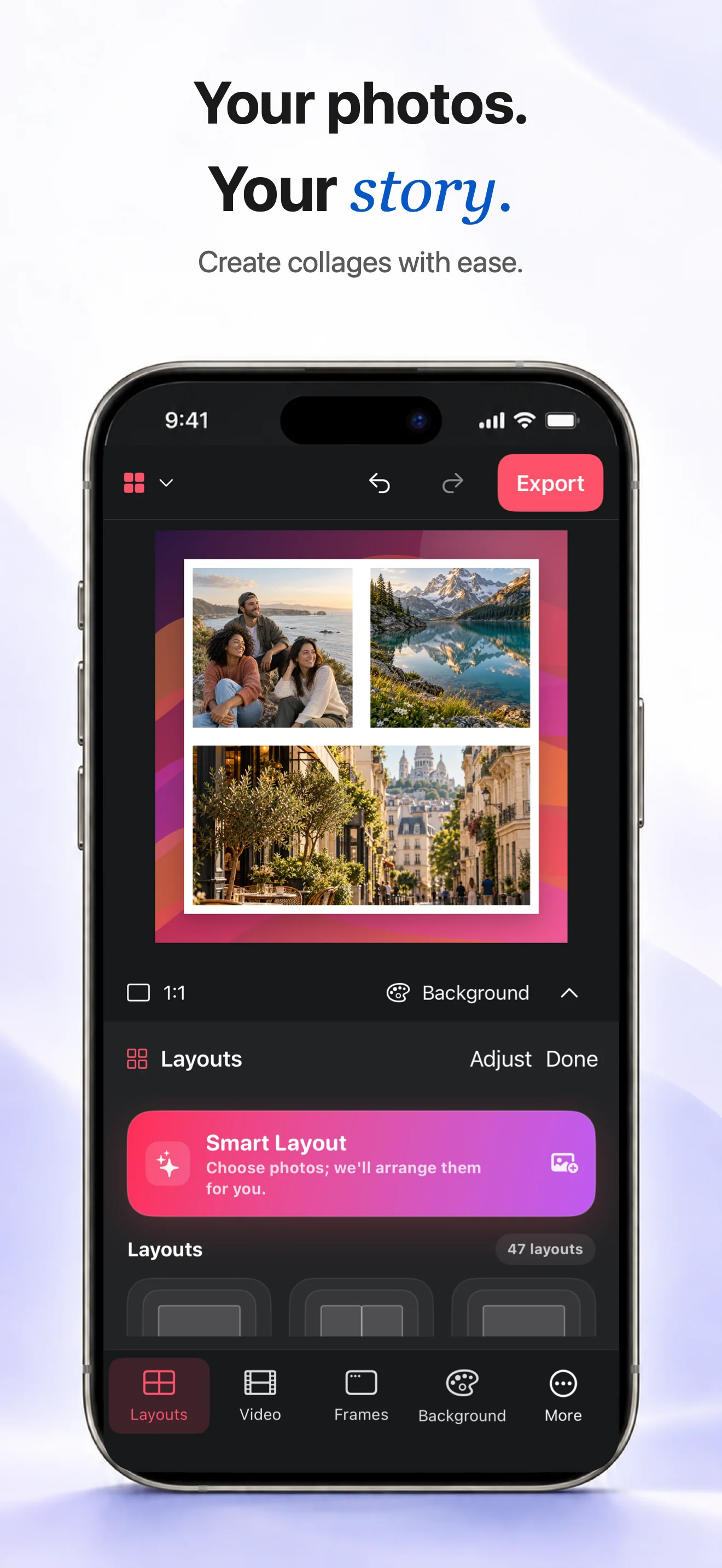
Choose a starting layout
Select the photos you want to tell one story. Start with Smart Layout for an automatic arrangement, or choose a grid when you want every frame to feel even.
Make the frame feel intentional
Adjust each crop so the important part stays visible. Then choose a white border with square corners, change the spacing, and pick a background that gives the photos room to breathe.
Export and share
Look at the full canvas before exporting. When the crops and spacing feel balanced, save the finished collage and share it wherever you want.
Can I change one photo without rebuilding the collage?
Yes. Replace it with another photo, then adjust the new photo’s crop, border or position while keeping the layout.
Can I use my own background?
Yes. Choose one of your images as the background when you want the collage to match a place or memory.