
A short set of clips can say more than one long recording. Arrange the moments first, then trim and tune each clip until the rhythm feels right.

Select your clips
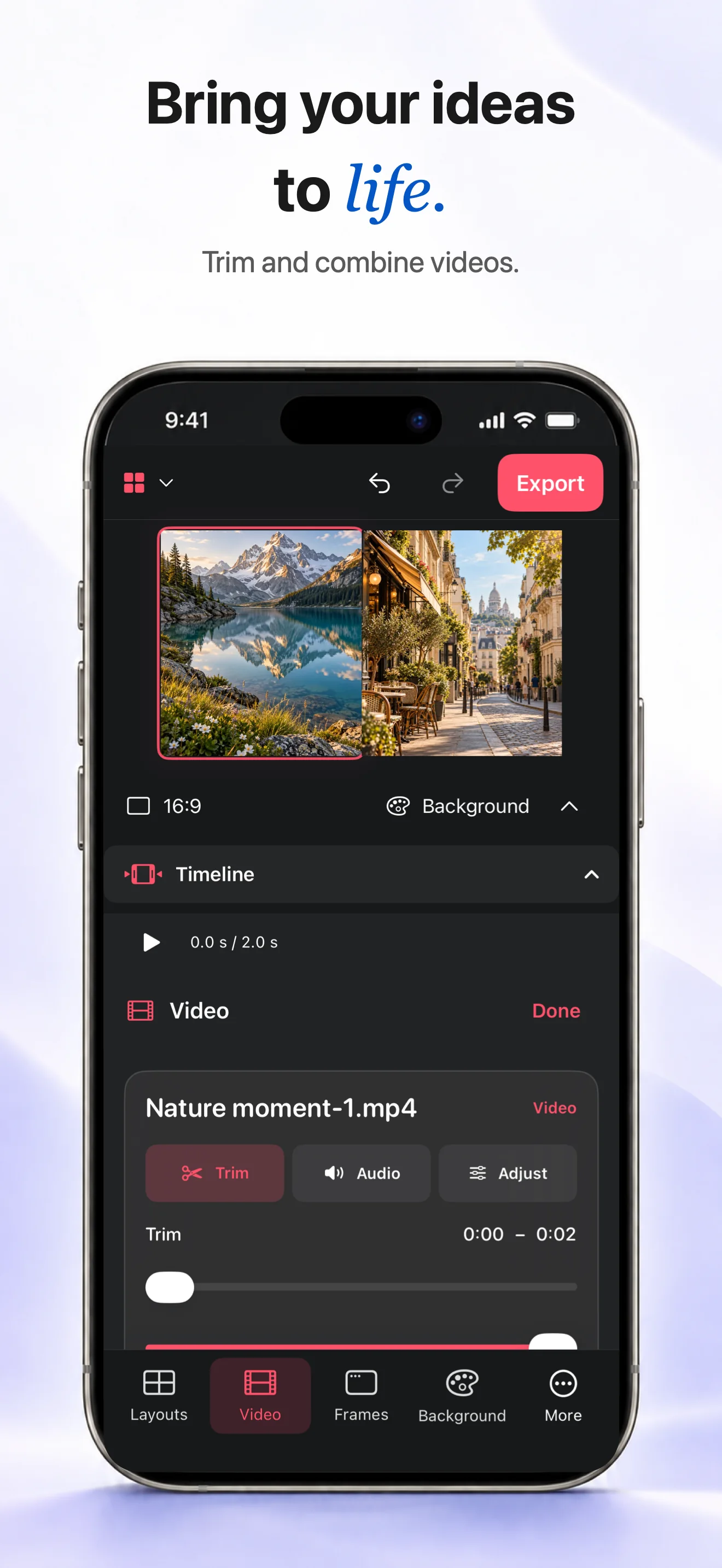
Choose the videos you want to combine and place them in a collage layout. Start with the moments that carry the story, then add supporting clips.
Trim and tune
Trim the beginning and end of each clip so the action starts quickly. Adjust speed or volume when needed, and mute a clip if its original sound distracts from the sequence.
Export as MP4
Review the whole collage from start to finish. When the cuts and audio feel right, export the finished video as an MP4 and share it from your device.
Can I trim both ends of a clip?
Yes. Adjust the start and end so each clip begins and finishes where the story needs it.
Can I mute one clip?
Yes. You can mute a clip or adjust its volume independently before exporting.